 NASDAQSIGNALS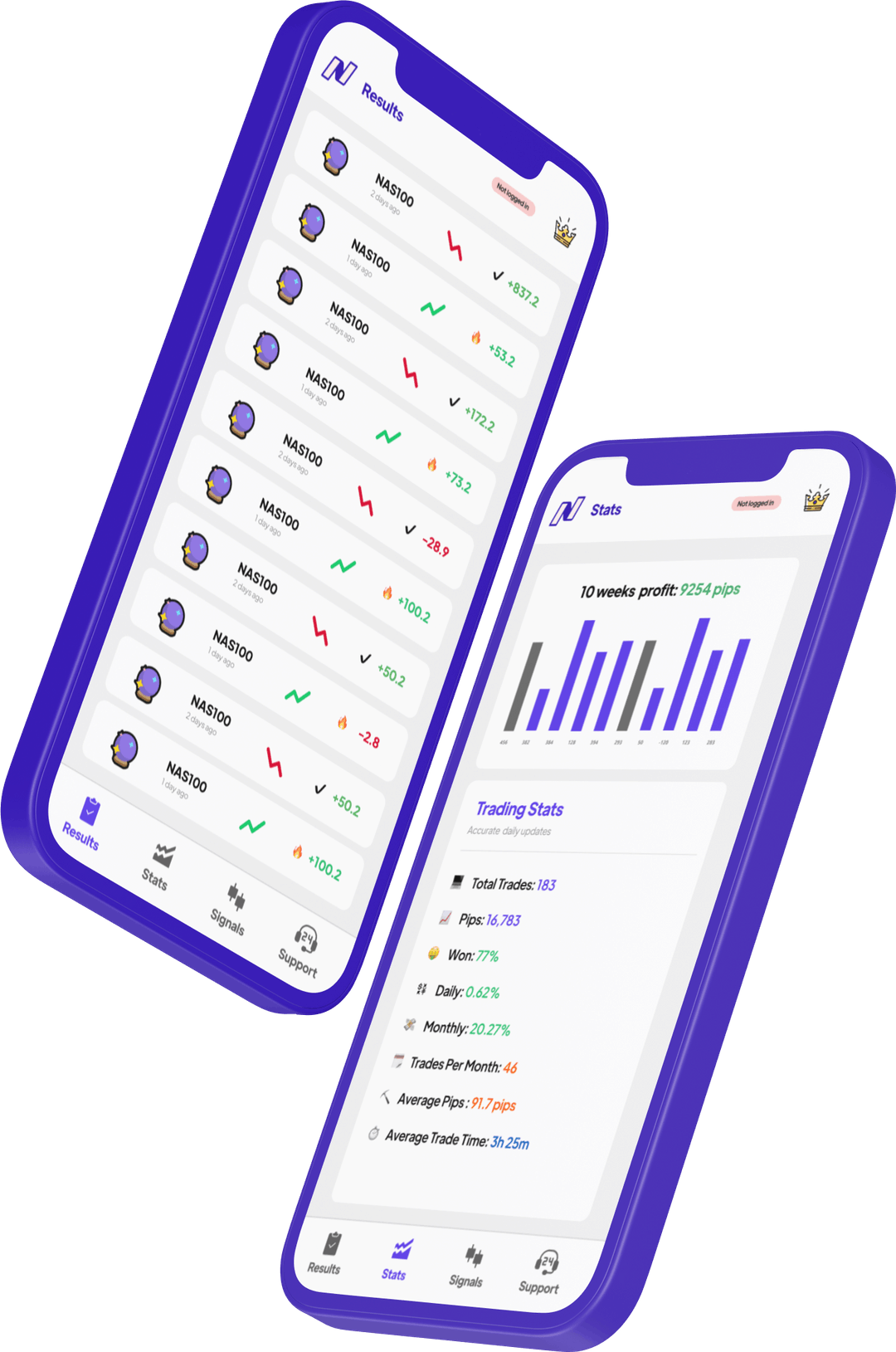
XM accounts for NAS100 trading.
Micro Account
Trades in micro lots. Suitable for learning with real money. The spread may be higher, but the small lot size keeps losses contained. Not ideal for profit generation but excellent for practicing signal execution.
Standard Account
The most popular XM account. Trades in standard lots (0.01 min). Spreads are competitive and no commission charged. For signal trading with NasdaqSignals, this account provides a good balance of cost and simplicity. Recommended for accounts of $200–$2,000.
Ultra Low Account
XM's tightest-spread account for indices. The Ultra Low account is the best choice for active signal traders who execute multiple positions per day. No commission on standard lots. Recommended for accounts above $1,000 that want to maximise signal execution quality.
Set up NAS100 on XM.
Open an Ultra Low account
Go to xm.com, click "Open an Account", and select "Ultra Low" as your account type (available for both MT4 and MT5). For NAS100 trading, select MT5 — it has the built-in economic calendar and better charting tools. Choose USD as your base currency. Verify your identity with a passport or driving licence (usually approved same day).
Fund with your preferred method
XM accepts bank wire, credit/debit cards, Skrill, Neteller, and local payment methods for many regions. The minimum deposit is $5 but we recommend $500+ for NAS100 trading to enable proper position sizing. Deposits via card and e-wallets are instant. Bank wires take 2–5 business days.
Add NAS100 to your watchlist
In MT5, right-click Market Watch → Show All → scroll to NAS100 under Indices or search "nas100". Right-click NAS100 → Chart Window to open a chart. Set your preferred timeframe (H1 for swing trading signals, M15 for intraday). Check the contract specifications for point value and margin requirements.
Set position sizing for signals
For XM NAS100 trading with NasdaqSignals signals: use a fixed risk of 1–2% per trade. Example: $1,000 account at 1% risk = $10 risk per trade. Calculate your lot size based on the stop-loss distance provided in the signal. Set "Allow trading" in your MT5 settings and configure one-click trading for fast signal execution.
NasdaqSignals signals + XM.
When a NasdaqSignals signal arrives, open XM on your phone or desktop, find NAS100, and place a limit order at the signal's entry price with the specified SL and TP. XM's mobile MT4/MT5 app lets you execute in under 10 seconds from notification.
XM's competitive Ultra Low spreads mean your execution will be close to the signal's entry level. Unlike some brokers with wider spreads, on XM you lose less to the spread and keep more of each signal's profit.
See NasdaqSignals signals on XM.
Watch traders execute NAS100 alerts on MT5 using XM's mobile platform.
XM NAS100 trading FAQ
What is the NAS100 spread on XM? +
Competitive spreads on the Ultra Low account. No commission on most accounts. Best spreads during US market hours.
What leverage does XM offer for NAS100? +
Up to 1:1000 on XM Global (Marshall Islands entity). 1:20 maximum for EU-regulated accounts under ESMA rules. Most experienced traders use 1:100–1:200 effective leverage.
Is XM reliable and regulated? +
Yes. Regulated by ASIC, CySEC, and IFSC. Operating since 2009 with 5 million+ clients. Client funds are segregated. No major regulatory incidents on record.
Which XM account is best for NAS100 signals? +
The Ultra Low account. Lowest spread, no commission, available on MT4 and MT5. For accounts above $500 trading with signals, this is the optimal choice.
NAS100 signals for XM traders.
Exact entry, SL, TP levels. Execute on MT4 or MT5 in seconds. Download free.