 NASDAQSIGNALS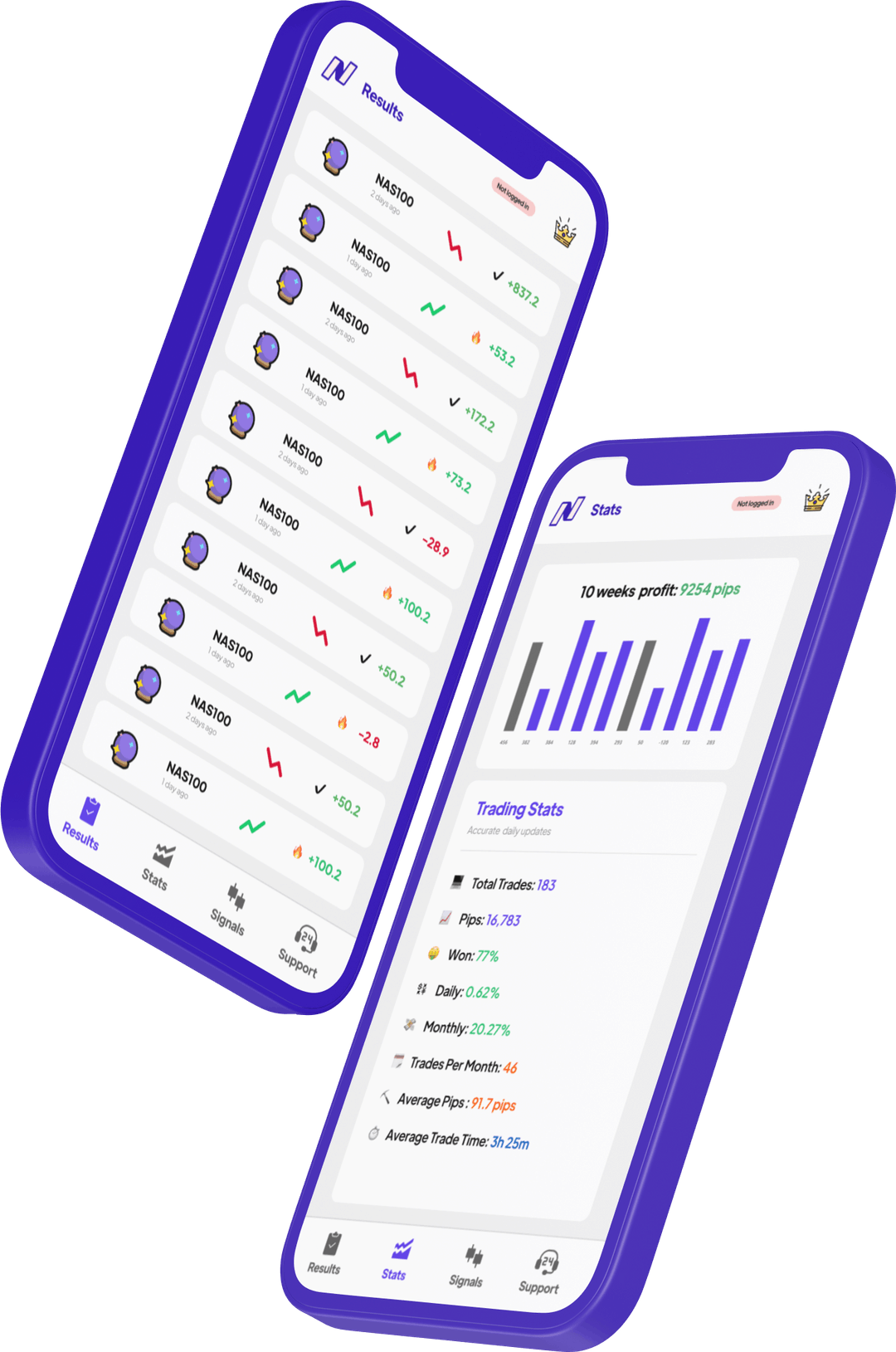
Nasdaq trading signals describe a setup for the Nasdaq-100 market: direction, entry, stop-loss and take-profit levels. NAS100 and US100 are common broker CFD labels. Confirm the contract and quote on your platform before applying any levels; NQ futures, MNQ and QQQ are distinct products.
For the chart behind a setup, read our NAS100 analysis guide on the instrument, timeframe and key levels.
What are nasdaq trading signals?
Nasdaq signals explained
Nasdaq signals are trade alerts that tell you when and how to trade NAS100 (the Nasdaq index). A quality signal includes: entry price, stop-loss, and at least one take-profit level. NasdaqSignals includes three TP levels plus live trade management updates on every alert.
What you receive
- Exact entry price or range
- Pre-calculated stop-loss
- Three take-profit targets (TP1/TP2/TP3)
- Suggested lot size for your account
- Live management — SL adjustments, partial close alerts
Why traders choose our nasdaq signals.
Watch NasdaqSignals in action.
See how traders receive and execute nasdaq signals in real time.
How to use nasdaq signals in 4 steps.
Download the app
Find NasdaqSignals on iOS or Android and review the available access options.
Enable notifications
Allow push notifications so signals reach you the instant they fire.
Receive the signal
Open the alert and review its direction, entry, stop-loss and targets.
Place the trade
Confirm your broker’s quote and contract, choose your size and place any order yourself.
NAS100 at a glance.
A NAS100 signal breakdown.
The signal
The outcome
Every way to trade the Nasdaq-100.
| Feature | NAS100 CFD | NQ Futures | MNQ Micros | QQQ ETF |
|---|---|---|---|---|
| Point value | Varies by broker | $20/pt | $2/pt | $1/share |
| Min account | $100–500 | ~$5,000 | ~$500 | ~$500 |
| Exchange | Broker (OTC) | CME | CME | NASDAQ |
| Trading hours | Broker hours | 23h/day | 23h/day | 9:30–16:00 ET |
| IRA eligible? | No | No | No | Yes |
| Best for | Forex traders | Experienced traders | Smaller accounts | Stock traders |
| See signals | /nasdaq-signals | /nq-signals | /mnq-signals | /qqq-signals |
Types of nasdaq signals we send.
Intraday Signals
Short-term trades that open and close within the same session (1–8 hours).
- Tight stop-losses (20–50 points)
- Quick execution required
- Check the current setup status
- Best for active traders
Swing Signals
Multi-day positions catching larger moves (1–5 days).
- Wider stop-losses (80–200 points)
- Confirm the entry remains valid
- Review overnight and event exposure
- Best for busy traders
Preview live signals before committing.
Browse our full signal archive — 1000+ timestamped NAS100 trades with exact entry, SL, TP, and result. Verify our 93% accuracy yourself before downloading.
- → Full signal history with timestamps
- → Entry, SL, TP1/TP2/TP3 on every trade
- → Win/loss visible — no deletions
- → Filter by date, direction, pip result
NAS100 signal questions, answered.
What does a NAS100 trading signal include? +
A NasdaqSignals setup includes direction, entry, stop-loss, take-profit levels and status. Check those levels against your broker’s instrument before placing an order.
Are NAS100 and Nasdaq-100 signals the same? +
NAS100 is a common broker label for a CFD based on the Nasdaq-100. Some brokers use US100 or US Tech 100. Confirm the quote, contract size and session with your own broker.
Can I copy NAS100 prices directly into NQ, MNQ or QQQ? +
No. These products have different quotes and contract terms. A shared underlying index does not make their entry prices, position sizes or risk interchangeable.
Does NasdaqSignals place orders for me? +
No. Review the alert, choose your position size and place any order through your broker. The app does not execute trades or hold your funds.
Keep your NAS100 setup in view.
Explore NasdaqSignals on iOS and Android.